
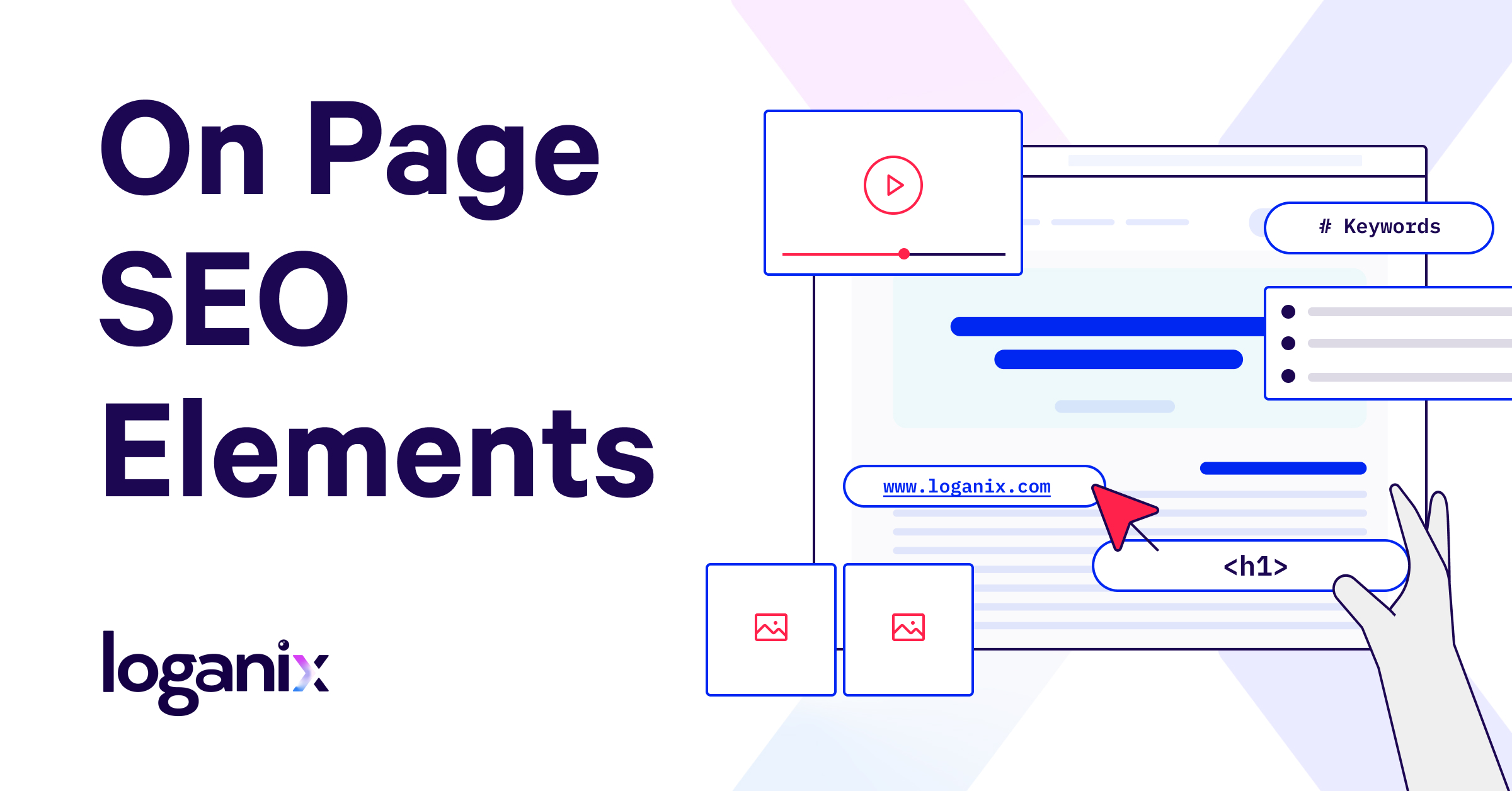
On-Page Optimisation: A Practical Guide
On-page optimisation is the process of improving the content and elements on a web page so that people and search engines can understand it more easily. Done well, it helps search engines match a page with relevant searches while giving visitors a clear, useful experience.
It is more than adding keywords to a page. Strong on-page optimisation combines helpful content, clear structure, descriptive page elements and a smooth user experience.
Understand what the page needs to do
Before editing a page, define its purpose. Is it intended to answer a question, explain a service, compare options or help someone complete a task? A clear purpose makes it easier to decide what information belongs on the page and what should be covered elsewhere.
Consider the likely needs of the audience and the language they use. Search results can offer clues about the type of information people expect, but the goal should be to meet those needs—not simply to imitate competing pages.
Use keywords naturally
Choose a main topic for each page and use relevant phrases naturally in the copy. These may appear in the title, main heading, introduction and subheadings where they accurately describe the content.
Avoid repeating the same keyword unnaturally or adding phrases where they do not belong. This can make a page difficult to read and does not make it more useful. Related terms and specific questions can help provide context, but they should be included only when they fit the subject.
Write a clear title tag and meta description
The title tag helps describe a page to search engines and may appear as its headline in search results. Write a distinctive, concise title that reflects the page accurately and gives people a reason to choose it. Avoid vague titles and unnecessary repetition.
A meta description is a short summary that may be shown beneath the title in search results. It should explain what the page offers and set an accurate expectation. Search engines may choose to display different text, so make sure the page itself also communicates its purpose clearly.
Structure content with headings
Headings make content easier to scan and help establish its hierarchy. Use one clear main heading for the page, followed by subheadings that organise the key sections. Write headings that describe the information beneath them rather than using them solely to include keywords.
Keep paragraphs focused and use lists where they make steps, features or choices easier to follow. A well-structured page should make sense to someone who is scanning it as well as to someone reading every word.
Create useful, original content
Content should address the page’s subject in enough detail to be genuinely helpful. Explain important ideas clearly, include relevant examples and answer reasonable follow-up questions. Where appropriate, show how the information applies in practice.
Originality does not mean every topic must be entirely new. It means providing a clear and worthwhile treatment of the subject rather than publishing thin, repetitive or lightly altered material. Review existing pages on the same site too: overlapping pages can make it unclear which one best serves a particular need.
Make URLs and links descriptive
A short, readable URL can help people understand what a page is about. Use clear words, separate them with hyphens and avoid unnecessary strings of numbers or parameters where possible. If changing an established URL, plan the change carefully and redirect the old address to the relevant new one.
Internal links connect related pages and help visitors find useful next steps. Use link text that describes the destination, such as “read our guide to technical SEO”, rather than relying on vague wording. Link where it helps the reader; adding excessive links can distract from the content.
Optimise images and accessibility
Use suitable image formats and dimensions so images do not add unnecessary weight to a page. Give image files descriptive names where practical, and write alternative text that explains the image’s purpose for people using assistive technology. Decorative images can generally be marked so they are ignored by screen readers.
Make sure text is easy to read, links are distinguishable and the page can be used with a keyboard. Accessibility improvements often benefit everyone, including people using different devices or browsing in challenging conditions.
Consider page speed and mobile usability
A page should load and work reliably on mobile devices as well as desktop computers. Check that text is readable without excessive zooming, buttons are easy to use and important content is not hidden behind awkward layouts. Large images, unnecessary scripts and poorly configured features can affect performance, so review them when pages feel slow.
Common on-page optimisation mistakes
- Writing for search engines instead of the people the page is meant to help.
- Repeating keywords unnaturally or using headings that do not match the content.
- Using the same title or meta description across many pages.
- Publishing several pages that compete to answer the same search need.
- Adding internal links without considering whether they are useful to visitors.
- Making substantial changes without checking whether the page already performs well.
A simple on-page optimisation checklist
- Does the page have a clear purpose and audience?
- Does it answer the likely needs behind its target topic?
- Are the title tag and main heading accurate and distinctive?
- Is the content easy to scan, understand and navigate?
- Are keywords used naturally rather than forced into the copy?
- Do internal links point to relevant pages with descriptive link text?
- Are images appropriately sized and supplied with useful alternative text where needed?
- Does the page work well on mobile and load reliably?
Review and improve over time
On-page optimisation is not a one-off task. Review important pages periodically to check that the information remains accurate, links still work and the content continues to meet visitors’ needs. Performance data can help identify pages that may benefit from clearer titles, stronger content or a better user experience.
The most effective approach is straightforward: make every page useful, clear and easy to use. When on-page improvements serve real visitors first, they also give search engines better signals about the page’s purpose and relevance.
Exploring On-Page Optimisation: Key Questions and Insights for Beginners
- What are the three primary components of on-page optimization?
- What is off-page optimization?
- How do I learn SEO as a beginner?
- What are the five most important on-page optimization factors?
- What are on-page and off-page optimization?
- What is on-page factor of SEO?
- What is on page Optimisation in SEO?
- What is the difference between on-page SEO and content SEO?
- Is SEO dead or evolving in 2026?
- What are the 3 primary components of on-page optimization?
- What is an example of SEO?
What are the three primary components of on-page optimization?
The three primary components of on-page optimisation are content, HTML elements and site structure. Content should be useful, relevant and clearly written, with keywords included naturally. HTML elements—such as title tags, meta descriptions, headings and image alt text—help describe the page to users and search engines. Site structure, including clear URLs and relevant internal links, makes pages easier to navigate and understand.
What is off-page optimization?
Off-page optimisation refers to activities carried out away from your website to strengthen its visibility, reputation and authority in search results. It can include earning links from relevant, trustworthy websites, gaining brand mentions and building a positive presence across suitable online platforms. Unlike on-page optimisation, which focuses on your site’s content and structure, off-page work helps demonstrate how others recognise and refer to your business. The aim is to build genuine credibility—not to manipulate rankings with spammy links or artificial engagement.
How do I learn SEO as a beginner?
Beginners can learn SEO by starting with the fundamentals: how search engines discover and understand web pages, how people search, and how to create useful content that meets their needs. Practise on a website of your own or a small project, focusing first on straightforward on-page improvements such as clear headings, descriptive page titles, relevant internal links and well-structured content. Use trusted learning resources, keep up with changes in search guidance, and review performance with tools such as Google Search Console. SEO takes time, so test changes, learn from the results and avoid expecting quick rankings or relying on shortcuts.
What are the five most important on-page optimization factors?
The five most important on-page optimisation factors are high-quality, relevant content; a clear, descriptive title tag; a logical heading structure; useful internal links; and a good user experience. Make sure the content meets the reader’s needs, headings make it easy to scan, and links help visitors find related information. The page should also load reliably and work well on mobile devices, so people can access and use it without difficulty.
What are on-page and off-page optimization?
On-page optimisation refers to improvements made directly to a website’s pages, such as refining content, headings, title tags, internal links, images and page usability. Off-page optimisation covers activities that build a site’s reputation and authority beyond its own pages, such as earning links from relevant websites and developing a positive online presence. Both support SEO, but on-page work focuses on the site itself, while off-page work focuses on signals from elsewhere online.
What is on-page factor of SEO?
An on-page SEO factor is an element on a webpage that can influence how clearly search engines understand its content and how useful it is to visitors. Examples include the page title, headings, content, URL, internal links, images and mobile usability. Optimising these elements means making them relevant, clear and easy to use—not simply adding keywords.
What is on page Optimisation in SEO?
On-page optimisation in SEO is the process of improving the content and elements on a website page to make it more useful for visitors and easier for search engines to understand. It can include refining headings and page titles, using relevant keywords naturally, improving internal links, and making sure images, page speed and mobile usability are well managed. The aim is to help the page clearly meet the needs behind a search, rather than simply adding keywords.
What is the difference between on-page SEO and content SEO?
On-page SEO covers the elements of a web page that can be optimised to help search engines understand it and visitors use it, including title tags, headings, URLs, internal links, image descriptions and page performance. Content SEO focuses specifically on planning and creating useful, relevant content that meets the needs behind a search. The two overlap: high-quality content is a key part of on-page SEO, while elements such as headings and internal links help that content work effectively.
Is SEO dead or evolving in 2026?
In 2026, SEO is far from dead; rather, it has evolved significantly to adapt to the ever-changing digital landscape. With advancements in search engine algorithms and the increasing importance of user experience, SEO now encompasses a broader range of strategies. On-page optimisation remains crucial, focusing on high-quality content, semantic search understanding, and enhanced user engagement. Voice search and AI-driven personalisation have also become integral components of modern SEO practices. As technology continues to advance, SEO professionals must stay updated with the latest trends and tools to ensure their strategies remain effective in improving visibility and driving relevant traffic.
What are the 3 primary components of on-page optimization?
The three primary components of on-page optimisation are content, HTML elements and site architecture. Content should be useful, relevant and clearly organised; HTML elements—such as title tags, headings, meta descriptions and image alt text—help describe the page to search engines and visitors; and site architecture, including URLs and internal links, helps people and search engines navigate related pages.
What is an example of SEO?
An example of SEO is improving a local bakery’s website so it appears when people search for “bakery in Manchester”. The bakery could create a useful page about its cakes and services, include relevant phrases naturally, write a clear page title, add its address and opening hours, and link to related pages. These on-page improvements help visitors understand the offering and give search engines clearer information about the page.